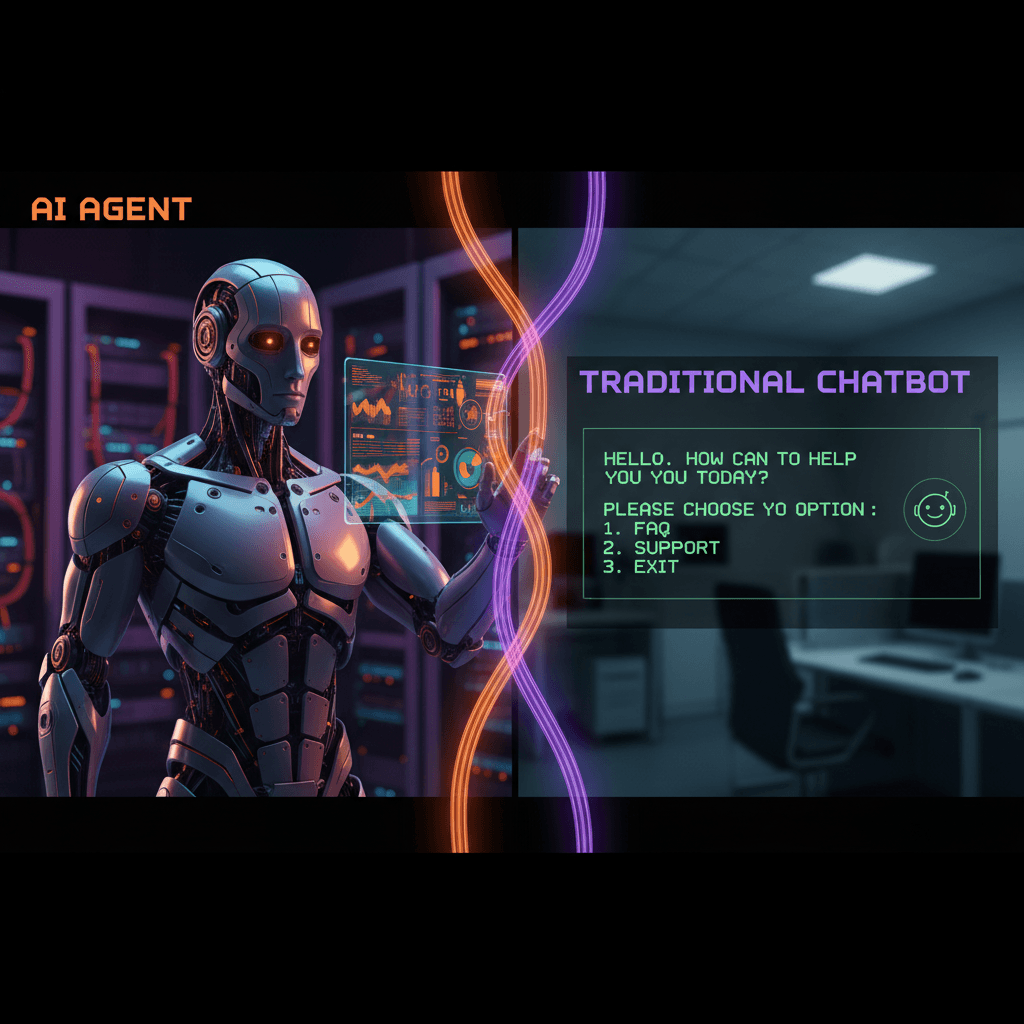
AI Agents for Businesses in Orlando: Automate Sales and Support 24/7
Discover how AI agents help Hispanic businesses in Orlando automate sales, customer support and lead follow-up without hiring more staff.
10 min
Learn how to set up a WhatsApp chatbot that responds to customers in Spanish and English, schedules appointments and closes sales automatically for your business.
 Eric HenocMarch 9, 20268 min read
WhatsApp is not just a messaging app. For Hispanic businesses in Orlando and across the United States, it is the most powerful communication channel with their customers. If your business receives inquiries through WhatsApp and you answer them manually one by one, you are leaving money on the table and most likely losing customers who cannot wait hours for a response.
In this complete guide, we explain step by step how a WhatsApp chatbot for businesses works, what it can do for you, and how to implement one that truly delivers results in 2026.
Before we talk about chatbots, let us understand why WhatsApp is so important for your business:
Key statistics: WhatsApp has a 98% open rate, compared to just 20% for email and 5% for SMS marketing. For Hispanic businesses, these numbers are even more relevant.
The Hispanic community in Orlando and Central Florida uses WhatsApp intensively. It is not like the general American market where everything happens through email or text. For your Hispanic customers, WhatsApp is the first choice — and often the only one — to communicate with a business.
Reasons why WhatsApp dominates in the Hispanic market:
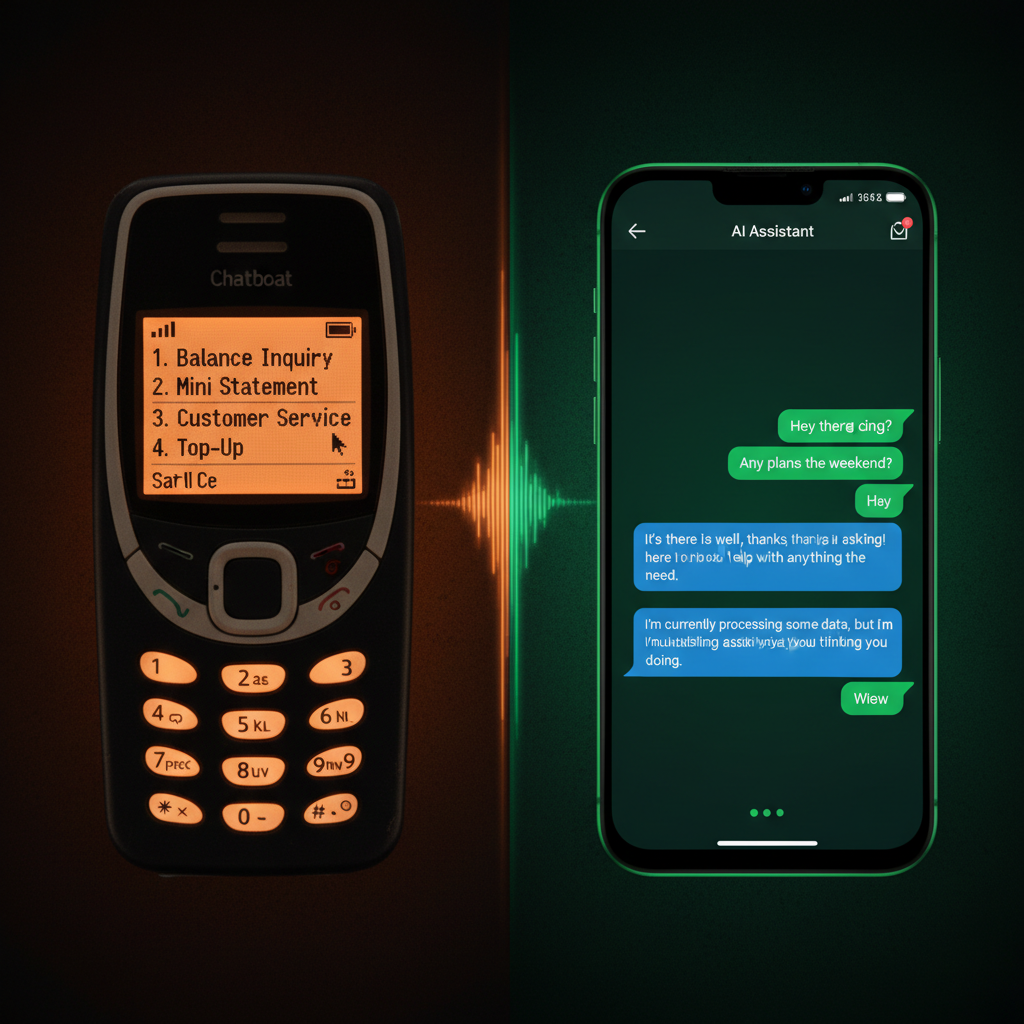
Many businesses confuse a basic auto-reply with a chatbot. The difference is enormous:
| Feature | Simple Auto-Reply | Intelligent AI Chatbot |
|---|---|---|
| Response type | One fixed message: "Thanks for writing, we will contact you soon" | Dynamic responses based on what the customer asks |
| Conversation | Does not maintain conversation | Complete multi-message dialogue |
| Actions | None | Schedules appointments, takes orders, qualifies leads, sends quotes |
| Personalization | Same for everyone | Responses adapted to the customer's context |
| Languages | One language only | Detects and responds in Spanish or English automatically |
| Availability | Just the automatic message, then wait | Resolves the complete inquiry 24/7 |
A WhatsApp chatbot with AI is like having an expert employee available 24 hours who knows every detail about your business, speaks Spanish and English perfectly, and can do much more than just answer questions. To understand the difference between a basic chatbot and an intelligent agent, read our AI agents vs chatbots comparison guide.
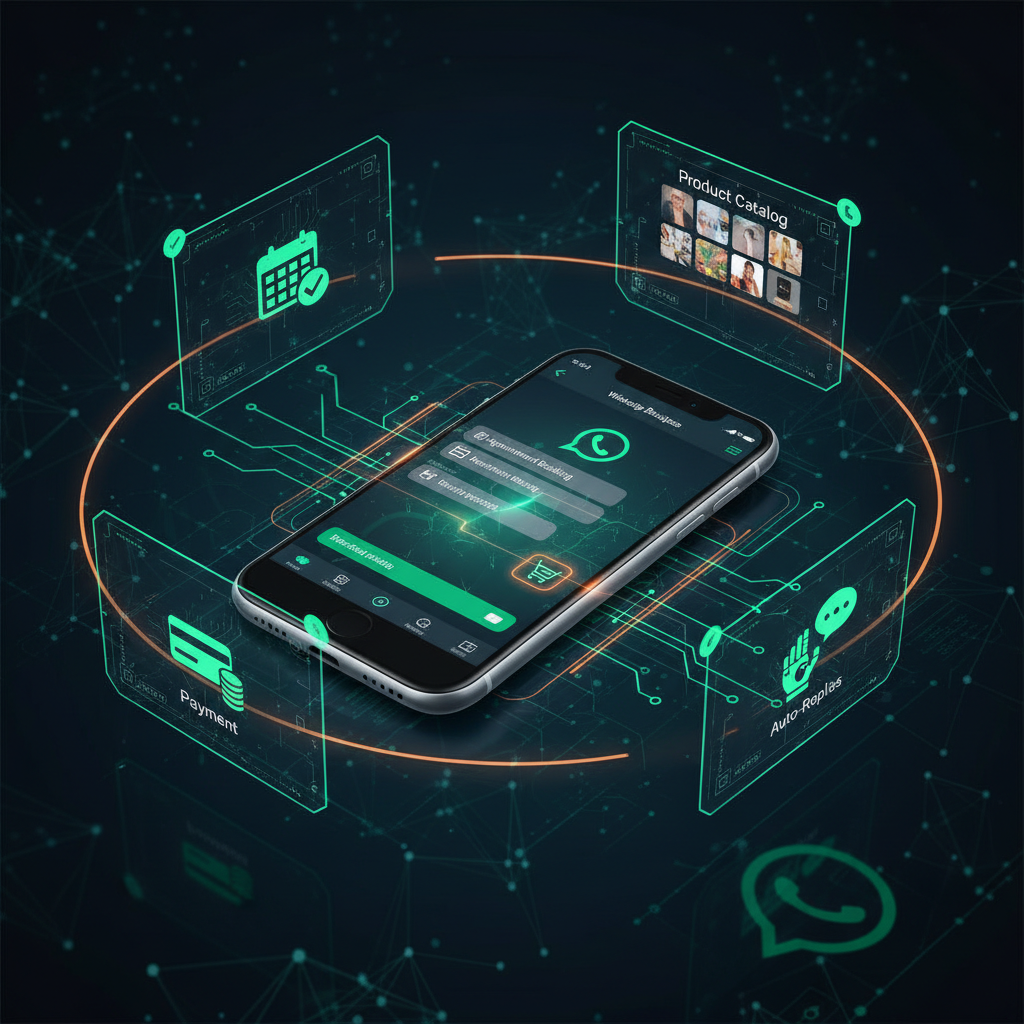
When a potential customer writes to you, the chatbot can ask strategic questions to determine if they are a qualified lead: available budget, location, type of service needed, urgency. Only leads that meet your criteria reach your sales team. This process is similar to what our lead follow-up agent does.
The chatbot connects directly to your calendar (Google Calendar, Calendly, etc.) and shows the customer available times. The customer selects, receives instant confirmation, and the chatbot sends automatic reminders 24 hours and 2 hours before the appointment. If you need a more comprehensive scheduling solution, learn about our dedicated scheduling agent.
For restaurants and food businesses, the chatbot can display the complete menu, take custom orders, calculate the total, confirm the delivery address, and process payment. All within the same WhatsApp conversation.
The chatbot automatically detects whether the customer is writing in Spanish or English and responds in the same language. If the customer switches languages mid-conversation (something common in the Hispanic community), the chatbot adapts seamlessly.
The chatbot can send product catalogs in PDF format, interactive price lists, and generate personalized quotes based on the customer's needs. All automatic, all immediate.
If a lead does not respond after a certain time, the chatbot can send a personalized follow-up message. Follow-up sequences increase conversion rates by 30-50%.
A Hispanic restaurant in Kissimmee implemented a WhatsApp chatbot that allows customers to view the menu, place delivery orders, and reserve tables. Result: 35% increase in WhatsApp orders and near-total elimination of order errors (because the customer visually confirms each item). Learn more in our guide on AI for restaurants.
Example conversation:
Customer: "Hi, I want to order for delivery"
Chatbot: "Hello! Happy to help. Here is today's menu: [sends interactive menu]. What would you like to order?"
Customer: "2 orders of chicken stew and 1 mofongo"
Chatbot: "Perfect! 2 Chicken Stew ($14.99 each) + 1 Mofongo ($12.99). Total: $42.97. What is your delivery address?"
A Hispanic dental clinic in the Semoran area set up a chatbot that automatically schedules appointments. Patients write to WhatsApp, the chatbot checks availability, books the appointment, and sends reminders. Result: 40% reduction in no-shows and 15 hours per week freed up from front desk staff. Discover more strategies in our article on marketing for Hispanic clinics in Orlando.
A beauty salon in Orlando uses the chatbot to show services, prices, portfolio photos, and schedule appointments with specific stylists. Customers can see their favorite stylist's availability and book in seconds.
The free WhatsApp Business app has significant limitations. For a real chatbot, you need the WhatsApp Business API, which allows you to connect automations, manage multiple agents, and send mass messages with approved templates. The approval process takes between 1 and 5 business days.
Before coding anything, clearly define:
A truly useful chatbot connects to:
The chatbot needs to know your business thoroughly: services, prices, hours, return policies, frequently asked questions, and any detail a customer might ask about. The more information you provide, the better its responses will be.
Before launching, test thoroughly: send messages in Spanish and English, ask unusual questions, try to "confuse" the chatbot. After launch, monitor these key metrics:
WhatsApp chatbot costs break down into three components:
| Component | Estimated Cost | Details |
|---|---|---|
| WhatsApp Business API | First 1,000 conversations/month free | Then $0.02-$0.08 per conversation |
| Chatbot platform | $97 - $497/mo | Based on features and volume |
| Initial setup | $500 - $2,000 (one-time) | Flow design, integrations, and training |
ROI perspective: If your chatbot schedules just 5 additional appointments per month that would have otherwise been lost, and each appointment is worth an average of $100, you are already generating an additional $500/month. Most businesses recoup their investment in the first month.
Want to implement this in your business? Schedule a free consultation and we will show you how a WhatsApp chatbot can work for you from day 1.
Always, always include an easy way for customers to request a real person. Customers who feel trapped in a chatbot loop get frustrated and go to the competition.
WhatsApp is a quick messaging channel. Your responses should be short, direct, and easy to read on a phone screen. Long paragraphs kill the conversation.
If your prices changed 3 months ago but the chatbot still shows the old ones, you destroy customer trust. Keep information constantly updated.
A chatbot that sounds like any other does not build trust. Customize the tone, use your business name, include specific details about your services. The customer should feel they are talking to YOUR business, not a generic machine.
If you do not measure conversations, resolution rates, and drop-off points, you cannot improve. Review metrics weekly and adjust flows based on the data.
WhatsApp has strict anti-spam policies. Sending unsolicited mass messages can get your account blocked. Use approved templates and respect your customers' preferences.
For a real automated chatbot, you need the API. The free app only allows manual quick replies and basic away messages. The API enables full automation, multiple agents, and integration with external systems.
7 to 14 days on average. This includes API approval, conversation flow design, system integration, training, and testing.
No, as long as the chatbot is useful and natural. Studies show that 70% of consumers prefer an instant response from a well-configured chatbot over waiting hours for a human response. The key is that the chatbot resolves issues, not just entertains.
The WhatsApp Business API is designed for 1-to-1 conversations with customers, not for groups. However, you can send mass messages to multiple contacts using approved templates.
Yes. All conversations are logged and you can review them at any time. This is useful for quality control and identifying improvement opportunities.
It depends on the system. Most modern POS systems have APIs that allow integration. Ask us about your specific system and we will confirm compatibility.
WhatsApp has maintained stable and predictable pricing since it launched the business API. Additionally, a good chatbot provider automatically adapts to any platform changes.
Yes, but with rules. WhatsApp allows sending marketing messages using approved templates to customers who have given their consent (opt-in). You cannot send messages to people who have not previously interacted with your business.
For Hispanic businesses in Orlando, WhatsApp is not optional — it is essential. And an intelligent chatbot transforms that channel from a simple messaging tool into a sales and customer service machine that works 24/7.
Businesses that implement WhatsApp chatbots report more captured leads, more scheduled appointments, fewer no-shows, and more satisfied customers. All while your team is freed up to focus on what truly matters: closing sales and growing your business. If you want to explore a more comprehensive automation solution, read our guide on how to automate your business with AI.
Ready to get your WhatsApp chatbot? At Henoc Marketing, we design and implement WhatsApp chatbots specifically for Hispanic businesses in Orlando. Schedule your free consultation and we will show you exactly how a chatbot can transform your business.
Article updated March 2026

Eric Henoc
Founder & CEO
AI automation and digital marketing specialist for Hispanic businesses in Orlando, FL.
More content on this topic to keep learning
Take the First Step
Schedule a free 30-minute strategic consultation. We analyze your business and show you exactly how AI can multiply your results.
Limited spots for Q2 2026
No commitments. No fine print. Just results.