
AI Agent Examples for Small Businesses
Practical AI agent examples for small businesses: WhatsApp, phone, email, scheduling and social media agents, by task and by type of business.
11 min
Step-by-step guide to set up a WhatsApp chatbot for your business: the API, conversation flows, integrations, costs, mistakes and bilingual replies.
 Eric HenocMarch 9, 202612 min read
Setting up a WhatsApp chatbot for your business takes six steps: get access to the WhatsApp Business API, map your conversations, connect your calendar and CRM, train the chatbot on your business information, set up the handoff to a person, and test it before launch. This guide walks through each step, what it costs, and the mistakes that kill results, using the same process we follow to build WhatsApp AI agents for businesses in Orlando.
WhatsApp is not just a messaging app. For Hispanic businesses in Orlando and across the United States, it is the most powerful communication channel with their customers. If your business receives inquiries through WhatsApp and you answer them manually one by one, you are leaving money on the table and most likely losing customers who cannot wait hours for a response.
An AI-powered WhatsApp chatbot, also called a WhatsApp AI agent, is a system that combines three pieces:
When a customer writes to you, the system reads the message, processes it with AI, checks your business information, and responds the way a well-trained employee would. The difference: it never sleeps, never gets sick, never has a bad day, and handles many simultaneous conversations without issue.
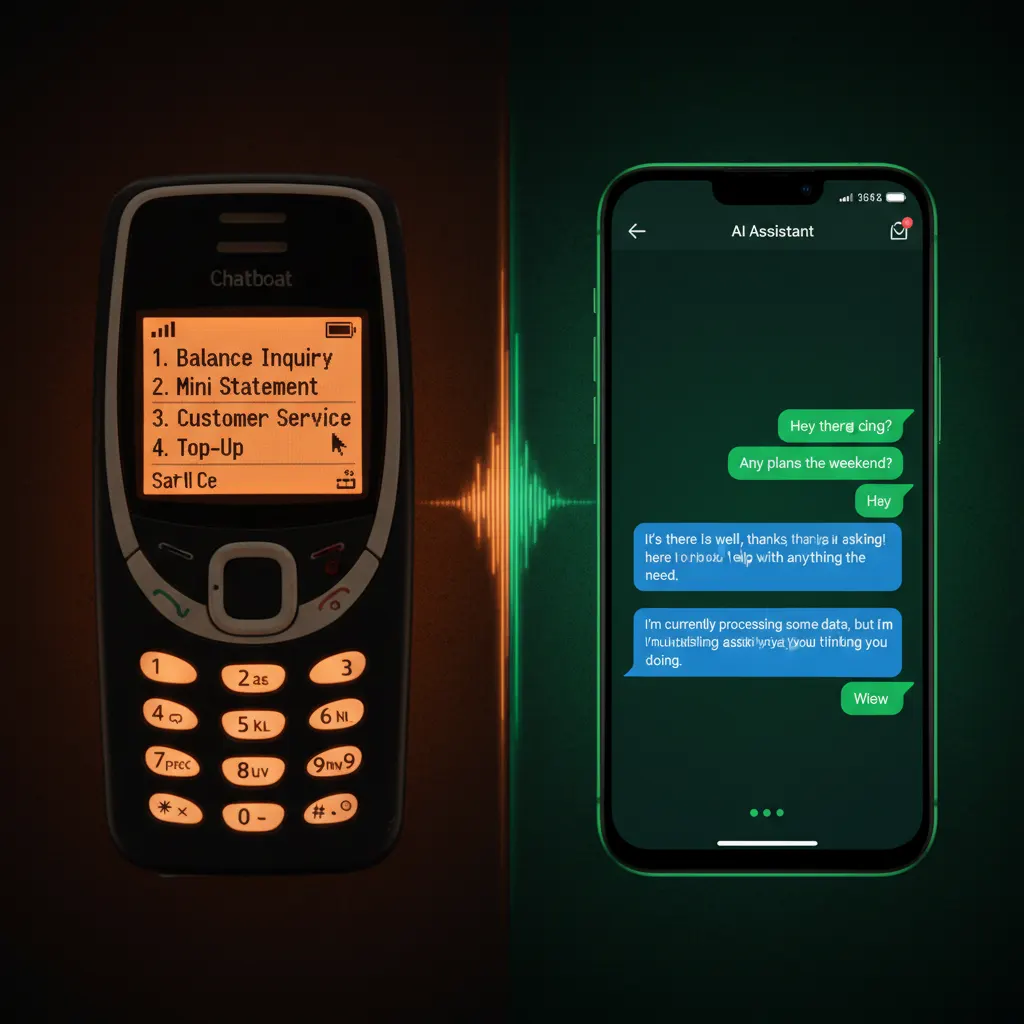
Not everything called a "chatbot" works the same way. Here is the difference between an auto-reply, a menu chatbot, and an AI chatbot:
| Feature | Simple auto-reply | Menu chatbot | AI chatbot |
|---|---|---|---|
| Response type | One fixed message: "Thanks for writing, we will contact you soon" | "Press 1 for hours" menus | Natural conversation based on what the customer asks |
| If asked something off-script | No answer | Breaks or goes silent | Responds intelligently or hands the conversation to a person |
| Actions | None | Limited to the menu options | Schedules appointments, takes orders, qualifies leads, sends quotes |
| Memory between messages | No | No | Yes, remembers context |
| Languages | One only | One fixed | Detects and responds in Spanish or English automatically |
| Availability | Just the automatic message, then wait | 24/7, but only for what was programmed | Resolves the complete inquiry 24/7 |
The menu chatbot is cheap but frustrates customers. The AI chatbot costs more, but it resolves the whole inquiry instead of leaving the customer waiting. For a business that receives a lot of messages every month, that difference shows up in sales. To understand the difference between a basic chatbot and an intelligent agent in depth, read our AI agents vs chatbots comparison guide.
Key point: WhatsApp messages tend to be read much faster and more often than email. For Hispanic businesses, that matters even more.
The Hispanic community in Orlando and Central Florida uses WhatsApp intensively. It is not like the general American market, where everything happens through email or text. For your Hispanic customers, WhatsApp is the first choice (and often the only one) to communicate with a business.
And speed matters: many customers buy from the first business that responds. While your competition takes hours to reply, an AI chatbot replies in seconds, 24 hours a day, 365 days a year, in Spanish or English based on the customer.
Reasons why WhatsApp dominates in the Hispanic market:
"What time do you open?", "Do you have parking?", "Do you accept cards?". A good share of messages are the same questions over and over. The chatbot answers them in seconds without your team wasting time.
When a potential customer writes to you, the chatbot asks strategic questions to find out whether they are a qualified lead: budget, location, type of service needed, and urgency. If it is a serious lead, it passes it to your sales team with full context; if they are just exploring, it gives them information without taking your time. This process is similar to what our lead follow-up agent does.
The chatbot connects to your calendar (Google Calendar, Calendly, Acuity) and shows the customer available times. The customer picks one, receives instant confirmation, and the chatbot sends automatic reminders 24 hours and 2 hours before the appointment. If you need a more comprehensive scheduling solution, learn about our dedicated scheduling agent.
For restaurants and food businesses, the chatbot can display the complete menu, take custom orders, calculate the total, confirm the delivery address, and process payment. All within the same WhatsApp conversation.
The chatbot can send product catalogs in PDF and price lists, and put together a personalized quote in seconds from the details the customer provides. No more "let me check and get back to you".
If a lead does not respond after a certain time, the chatbot can send a personalized follow-up message, plus appointment reminders and post-sale messages. Follow-up sequences help you stop losing leads who simply got distracted.
When the chatbot detects that a conversation needs human attention (a serious complaint, a complex negotiation, a sensitive situation), it transfers the conversation to you with a complete summary. It never leaves a customer hanging.
The chatbot automatically detects whether the customer is writing in Spanish or English and responds in the same language, with natural responses instead of robotic translation. If the customer switches languages mid-conversation (something common in the Hispanic community), the chatbot adapts seamlessly.
Every conversation is automatically saved in your CRM (HubSpot, Pipedrive, or whatever you use): name, phone, what they asked for, and which funnel stage they are at. Clean data for your sales team.
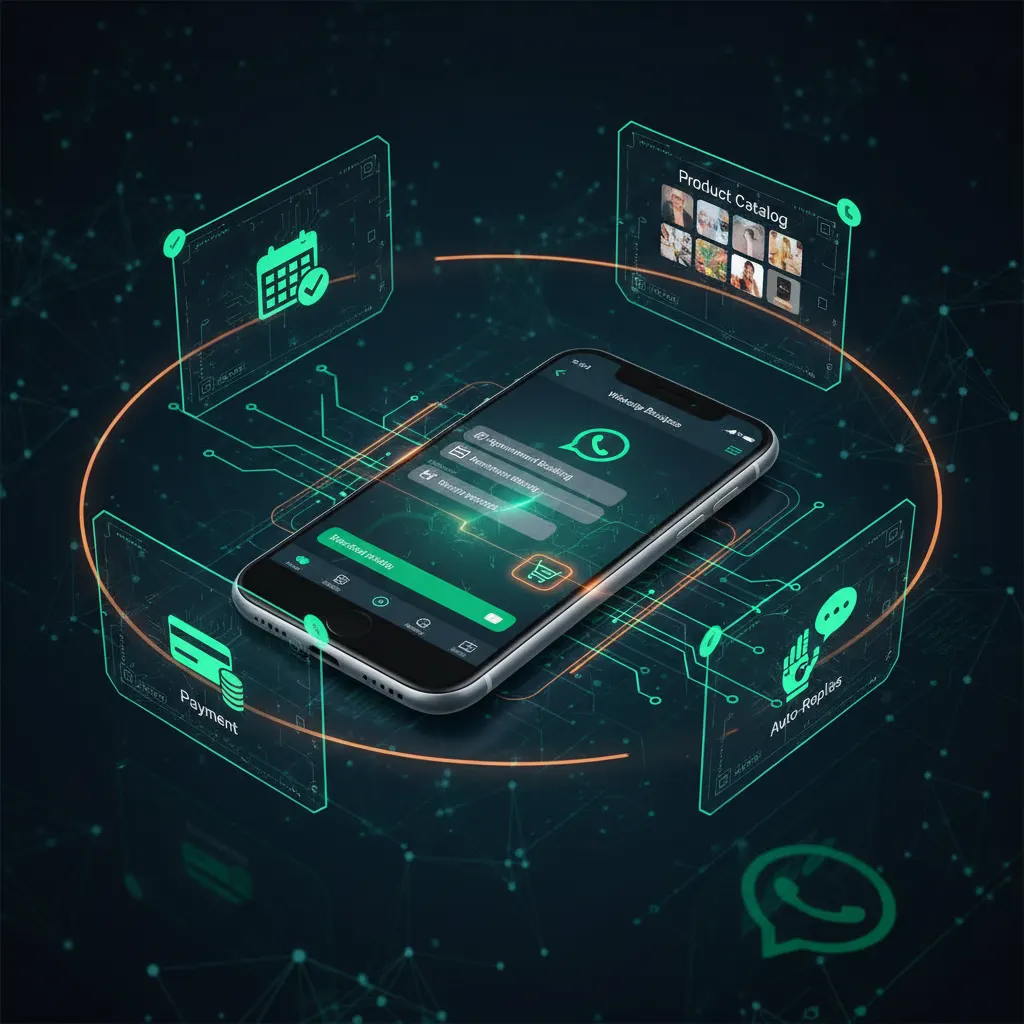
The free WhatsApp Business app has significant limitations. For a real chatbot, you need the WhatsApp Business API, which allows you to connect automations, manage multiple agents, and send mass messages with approved templates. The approval process can take a few days.
Before building anything, clearly define:
A truly useful chatbot connects to:
The chatbot needs to know your business thoroughly: services, prices, hours, return policies, frequently asked questions, and any detail a customer might ask about. If it only knows "hours and address", it will not say much: the more information you give it (detailed prices, policies, edge cases), the better its responses will be. Also set the tone: the same one your team uses with customers (friendly, short sentences, the occasional emoji), not an ultra-formal one that sounds like a robot.
Some customers need to talk to someone on your team (a negotiation, a serious complaint). Always configure escalation triggers, such as the words "manager", "complaint", or "lawsuit", plus a visible option to ask for a person. In regulated industries (medical, legal, financial), add automatic disclaimers and mandatory escalation to a person for sensitive topics.
Before launching, test thoroughly: send messages in Spanish and English, ask unusual questions, and try to "confuse" the chatbot. In our implementations, we run internal tests with a range of use cases and then a supervised period, during which our team monitors every conversation with real customers and adjusts the responses. After launch, monitor these key metrics:
It depends on the scope. Once the API is approved, we do the technical setup (connecting the API and the language model, loading your business information, and customizing the tone). Then come testing, the calendar and CRM integrations, and the supervised period. The exact timeline depends mostly on how long API approval takes and how many integrations you need.
The cost depends on three things: WhatsApp's fees (charged by Meta), the platform or service that builds and runs the chatbot, and how many channels, conversations, and integrations you need.
| Component | Cost | Details |
|---|---|---|
| WhatsApp Business API (Meta) | Meta's fees | Meta sets and updates its fees often. Check the official WhatsApp pricing page |
| Basic DIY chatbot | Monthly platform subscription | Platforms like ManyChat, Chatfuel, or Wati. You set it up and maintain it. Works for simple FAQs, but these are decision trees, not real AI |
| Done-for-you AI chatbot | Depends on the plan (see below) | Flow design, integrations, training, monitoring, and adjustments |
At Henoc Marketing, the plans that include a WhatsApp chatbot are published:
Usage beyond what is included: $0.30 per voice minute · $0.15 per WhatsApp conversation. 6-month minimum, then month-to-month with 30 days' notice. If you cancel within the first 30 days, we refund your first monthly fee (setup, ad spend and usage are non-refundable). If you need unique integrations (a legacy system or proprietary software), we quote them by scope as part of our custom automations. See all the details on the pricing page.
Want to implement this in your business? Schedule a free consultation and we will show you how a WhatsApp chatbot can work for you from day 1.
Hypothetical example: a Hispanic restaurant in Kissimmee uses a WhatsApp chatbot so customers can view the menu, place delivery orders, and reserve tables. Because the customer visually confirms each item, order errors go down. Learn more ideas in our guide on how restaurants use AI for orders and reservations.
Example conversation:
Customer: "Hi, I want to order for delivery"
Chatbot: "Hello! Happy to help. Here is today's menu: [sends interactive menu]. What would you like to order?"
Customer: "2 orders of chicken stew and 1 mofongo"
Chatbot: "Perfect! 2 Chicken Stew ($14.99 each) + 1 Mofongo ($12.99). Total: $42.97. What is your delivery address?"
Hypothetical example: a Hispanic dental clinic uses a chatbot that schedules appointments automatically. Patients write to WhatsApp, the chatbot checks availability, books the appointment, and sends reminders, which frees up front desk time. Discover more strategies in our article on how to market a clinic to Hispanic patients in Orlando.
A beauty salon can use the chatbot to show services, prices, portfolio photos, and schedule appointments with specific stylists. Customers can see their favorite stylist's availability and book in seconds.
Always, always include an easy way for customers to ask for a real person, and set up automatic escalation for complaints or negotiations. Customers who feel trapped in a chatbot loop get frustrated and go to the competition.
WhatsApp is a quick messaging channel. Your responses should be short, direct, and easy to read on a phone screen. Long paragraphs kill the conversation.
If the chatbot does not have enough information, it will not say much. And if your prices changed 3 months ago but the chatbot still shows the old ones, you destroy customer trust. Keep the information complete and up to date.
A chatbot that sounds like any other does not build trust. Customize the tone, use your business name, and include specific details about your services. The customer should feel they are talking to YOUR business, not a generic machine.
If you do not measure conversations, leads captured, appointments booked, resolution rates, and drop-off points, you cannot improve. Review metrics weekly and adjust flows based on the data.
WhatsApp has strict anti-spam policies. Sending unsolicited mass messages can get your account blocked. Use approved templates and respect your customers' preferences.
For a real automated chatbot, you need the API. The free app only allows manual quick replies and basic away messages. The API enables full automation, multiple agents, and integration with external systems.
It depends on the scope. The process includes API approval, conversation flow design, system integration, training, testing, and a supervised period with real customers.
The chatbot uses natural, conversational replies, but it does not pretend to be a person: if a customer asks, it says it is an AI assistant. And if the customer asks to talk to someone on your team, the chatbot hands the conversation over.
No, as long as the chatbot is useful and natural. Many consumers prefer an instant response from a well-configured chatbot over waiting hours for a human response. The key is that the chatbot resolves issues, not just entertains.
We use Meta's official WhatsApp Business API, not unofficial tools. All conversations remain yours, and you can audit them whenever you want.
The chatbot is trained to detect when a conversation needs human attention. In those cases, it transfers the conversation with a full context summary. It never leaves a customer hanging, but it does not try to solve what requires human judgment.
Yes, especially well. For regulated industries (medical, legal, financial) we configure automatic disclaimers and mandatory escalation to a person for sensitive topics. We adapt it to industries such as clinics, lawyers, and insurance.
The WhatsApp Business API is designed for 1-to-1 conversations with customers, not for groups. However, you can send mass messages to multiple contacts using approved templates.
Yes. All conversations are logged and you can review them at any time. This is useful for quality control and identifying improvement opportunities.
It depends on the system. Most modern POS systems have APIs that allow integration. Ask us about your specific system and we will confirm compatibility.
Meta updates the API's policies and fees from time to time. A good chatbot provider tracks those changes and adjusts your setup so you stay compliant.
Yes, but with rules. WhatsApp allows sending marketing messages using approved templates to customers who have given their consent (opt-in). You cannot send messages to people who have not previously interacted with your business.
6-month minimum, then month-to-month with 30 days' notice. If you cancel within the first 30 days, we refund your first monthly fee (setup, ad spend and usage are non-refundable). If you decide to stop, we deliver all agent data (conversations, leads, configuration) and disconnect it.
For Hispanic businesses in Orlando, WhatsApp is not optional: it is essential. And an intelligent chatbot transforms that channel from a simple messaging tool into a sales and customer service machine that works 24/7.
A well-configured WhatsApp chatbot helps you capture more leads, book more appointments, and cut no-shows. All while your team is freed up to focus on what truly matters: closing sales and growing your business. If you want to explore a more comprehensive automation solution, read our guide on how to automate your business with AI.
Ready to get your WhatsApp chatbot? At Henoc Marketing, we design and implement AI-powered WhatsApp chatbots specifically for Hispanic businesses in Orlando. Schedule your free consultation and we will show you live how a chatbot would work with your business information.
Article updated October 2026
Book a free 30-minute consultation and we will tell you where to start.

Eric Henoc
Founder & CEO
Founder & CEO of Henoc Marketing (Orlando, 2025). More than 20 years in technology, cybersecurity and cloud.
More content on this topic to keep learning
WhatsApp AI chatbot that replies instantly in Spanish and English, qualifies leads, books appointments and automates your business 24/7.
View serviceAnswers phone calls with a natural-sounding voice in English and Spanish. Schedules appointments, transfers urgent calls and answers FAQs.
View serviceResponds to emails automatically with personalized responses. Classifies by urgency and does automatic follow-up.
View serviceTake the First Step
Schedule a free 30-minute strategic consultation. We analyze your business and show you exactly how AI can multiply your results.
Text DEMO on WhatsApp and an AI calls you acting as your business.
Free 30-minute consultation, no obligation.